TL;DR
- •Most teams running AI agents have zero visibility — agents fail silently and nobody notices until pipeline dries up.
- •One client didn't notice their enrichment agent failed for 11 days. Cost: ~200 missed prospects. The fix took 5 minutes.
- •I built my agent dashboard with Claude Code. For clients, I deploy a visibility tracer on a €4.50/month Hetzner server in Nuremberg — GDPR-friendly, worth every hour of setup.
- •The tooling to build this didn't exist until recently. Now any startup can have full agent visibility by end of week.
You've deployed AI agents. They're scanning LinkedIn, tracking funding rounds, enriching leads. But here's the question nobody asks: how do you know they're actually working?
Nobody Has the Full Picture
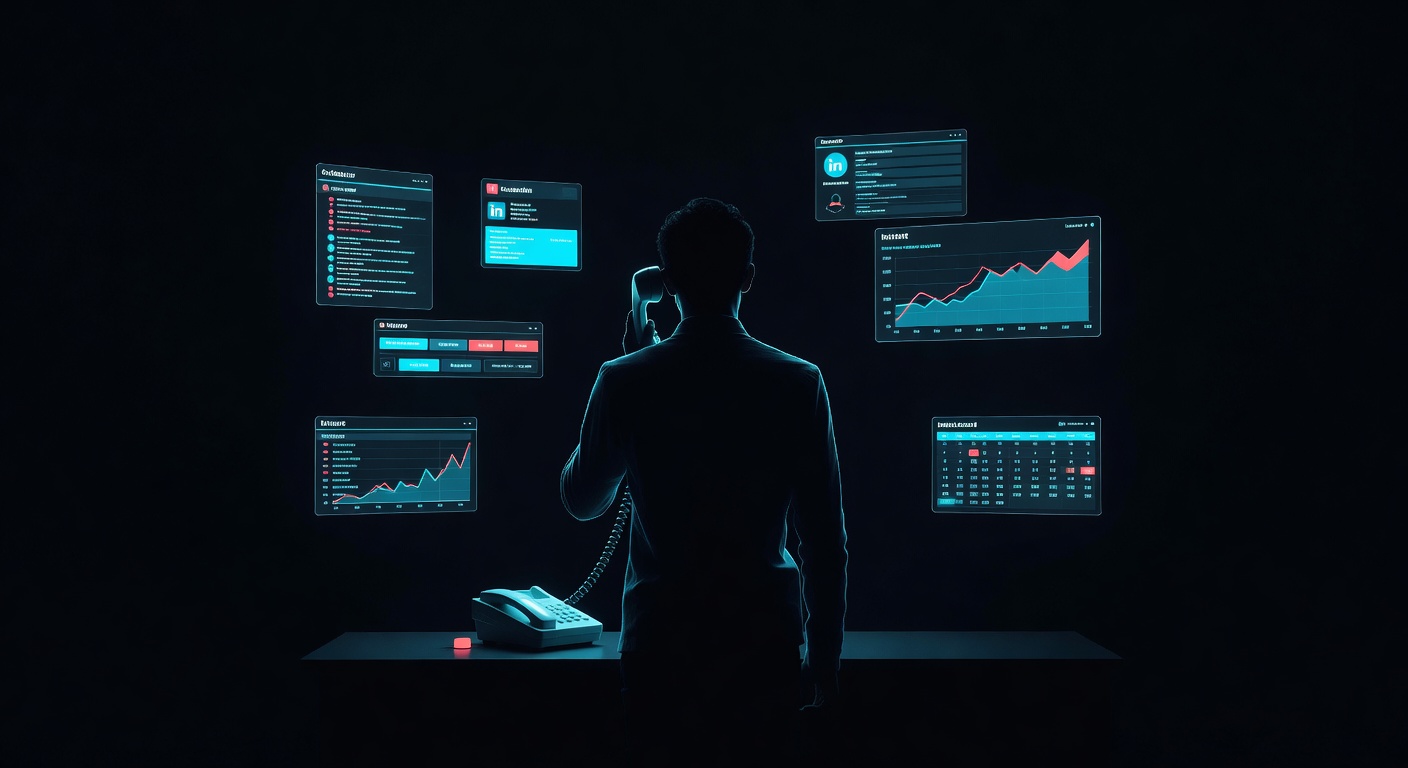
I ask this question in every first call with a startup or mid-size company. "What automations are running right now? Where? Who's responsible for each one?" The answer is never silence — it's worse. It's people trying to account for everything in real time, piecing it together from memory. "I think we have a Zapier for that... or was it n8n? And there's a Clay table someone set up but I'm not sure it's connected to anything."
Nobody I've spoken with so far has a clear picture. There's a Zapier running because n8n was missing a function at the time. An n8n workflow that duplicates half of what the Zapier does. A Clay table that enriches leads but isn't connected to the CRM. A HubSpot automation that might still be active — or might be sending emails to a list from 2024. Nobody knows which tools are connected to what, which ones are still running, and which ones quietly broke two weeks ago.
This isn't a judgment. Until a year ago, building a proper tracking layer for your automations was genuinely hard. You needed a DevOps team or expensive monitoring tools. Now, with Claude Code, you can build a custom agent dashboard in a few hours. The tooling finally caught up. Most companies just haven't built it yet.
What Happens When You Have No Visibility
One client's Clay enrichment workflow broke silently on a Tuesday. Nobody noticed until the following Friday when the SDR asked why no new leads had come through. 11 days. ~200 missed prospects. The fix took 5 minutes — a single API key had expired. The damage took a month to recover from.
This is the most common failure mode I see:
- •Silent failures: An agent stops running but nothing alerts you. Pipeline dries up slowly and everyone blames the market.
- •Duplicate outreach: Two automations hit the same prospect because nobody tracks which accounts are already in a sequence.
- •Data drift: Enrichment data goes stale because the refresh workflow broke three weeks ago. Your reps are calling people who left the company.
- •Phantom pipeline: Your dashboard shows 40 deals, but 12 of them were created by an agent that enriched the wrong ICP. Nobody cleaned them up.
- •Wasted AI spend: You're paying for Clay, Apollo, and Claude API calls on workflows that aren't producing results — but you can't tell which ones.
The 5 Questions Your Tracking Must Answer
Every agent tracking system — whether it's a custom dashboard or an n8n overview — needs to answer these five questions at a glance:
- •Is it running? Which agents are active, which are paused, which errored out. Green/red status for each workflow.
- •Did it find anything? How many buying signals were detected this week. Funding rounds, hiring surges, tech stack changes — broken down by type.
- •Did it break? Error logs with timestamps. Which API failed, which webhook timed out, which data source returned empty.
- •What got actioned? Prospects surfaced, enriched, and pushed to CRM. How many entered sequences. How many were skipped and why.
- •What's the ROI? Meetings booked from agent-surfaced leads. Deals created. Revenue influenced. This connects the agents to actual pipeline.
What My Setup Actually Looks Like
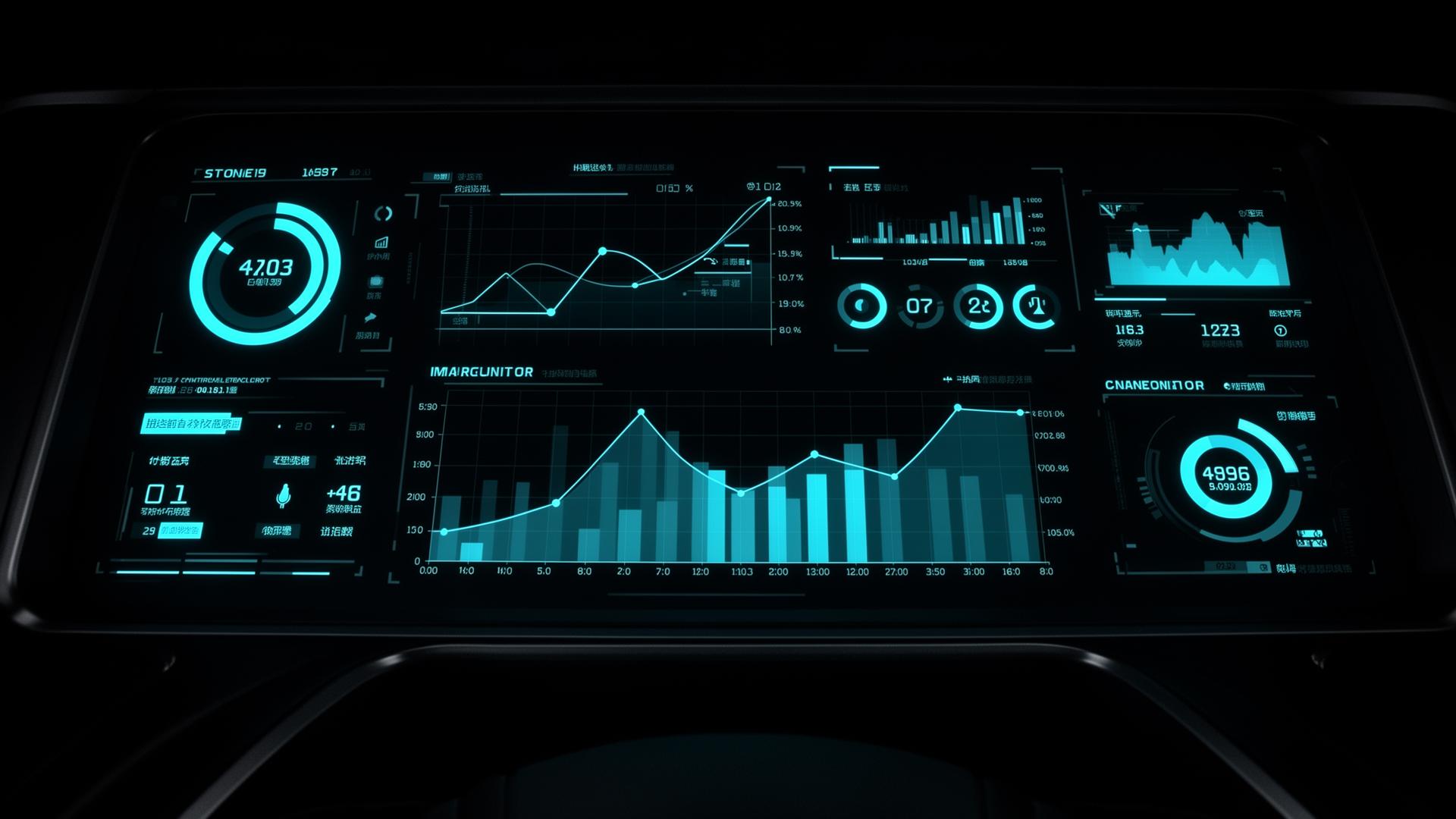
I built my own agent dashboard. It runs locally, tracks every agent I've deployed, and sends me Telegram notifications when something runs successfully — or when it doesn't. Green check: "LinkedIn enrichment completed, 14 new prospects." Red alert: "Clay webhook failed, API key expired."
Every morning I open the dashboard and in 30 seconds I know the state of every agent. What ran overnight, what it found, what broke. No logging into 5 different tools. No "I think it's running?" uncertainty.
For clients, I deploy a visibility tracer on a Hetzner cloud server hosted in Nuremberg — €4.50/month. German data residency, GDPR-friendly, and the client gets their own dashboard showing every agent's status, what it found, and what needs attention.
I won't sugarcoat it — the initial setup takes work. You need clear specs for what to track, the integrations need debugging, and you'll iterate on the dashboard until it shows the right things in the right way. But once it works, it works. And the alternative — flying blind with agents you can't see — is far more painful than the setup.
Startup vs. Enterprise Monitoring
- •Startup: Custom visibility tracer on a Hetzner server (€4.50/month, hosted in Nuremberg, GDPR-friendly) + Telegram or Slack alerts (free) + one HubSpot dashboard for pipeline attribution (included in Starter). Total cost: under €10/month. One person checks it daily.
- •Enterprise: Datadog or Grafana for infrastructure monitoring ($15+/node/month), Gong ($100+/seat/month) for call analytics, n8n Enterprise for workflow audit logs, custom observability layer with error budgets and SLAs.
For startups, the Claude Code dashboard route is a no-brainer. You get 90% of the visibility at 1% of the cost. The enterprise tools make sense when you have 50+ agents across 10+ team members and need compliance-grade audit trails.
What This Means For Your Business
Right now, you probably have automations running that you've forgotten about. Workflows that broke last month and nobody noticed. API costs accumulating on agents that aren't producing results. You're not alone — this is the norm at every company I talk to.
The fix isn't buying another tool. It's building a simple visibility layer — a dashboard that shows you the state of your system in 30 seconds. With Claude Code, that's a few hours of work. With me, it's part of every system I deploy.
Visibility isn't a product. It's a design decision. Every system I build has it from day one.