
TL;DR
- •Most HubSpot instances are 80% clutter — duplicate contacts, dead workflows, properties nobody remembers creating.
- •A messy CRM doesn't just waste money. It breaks your automations, your reporting, and your AI agents. Garbage in, garbage out.
- •You're probably on HubSpot Professional (€890/mo) and using less than 20% of it. The question isn't whether to pay for Pro — it's whether Pro is earning its price.
- •Your SDR just cold-emailed your biggest customer because nobody marked them as a client. That's not a data problem — it's a trust problem.
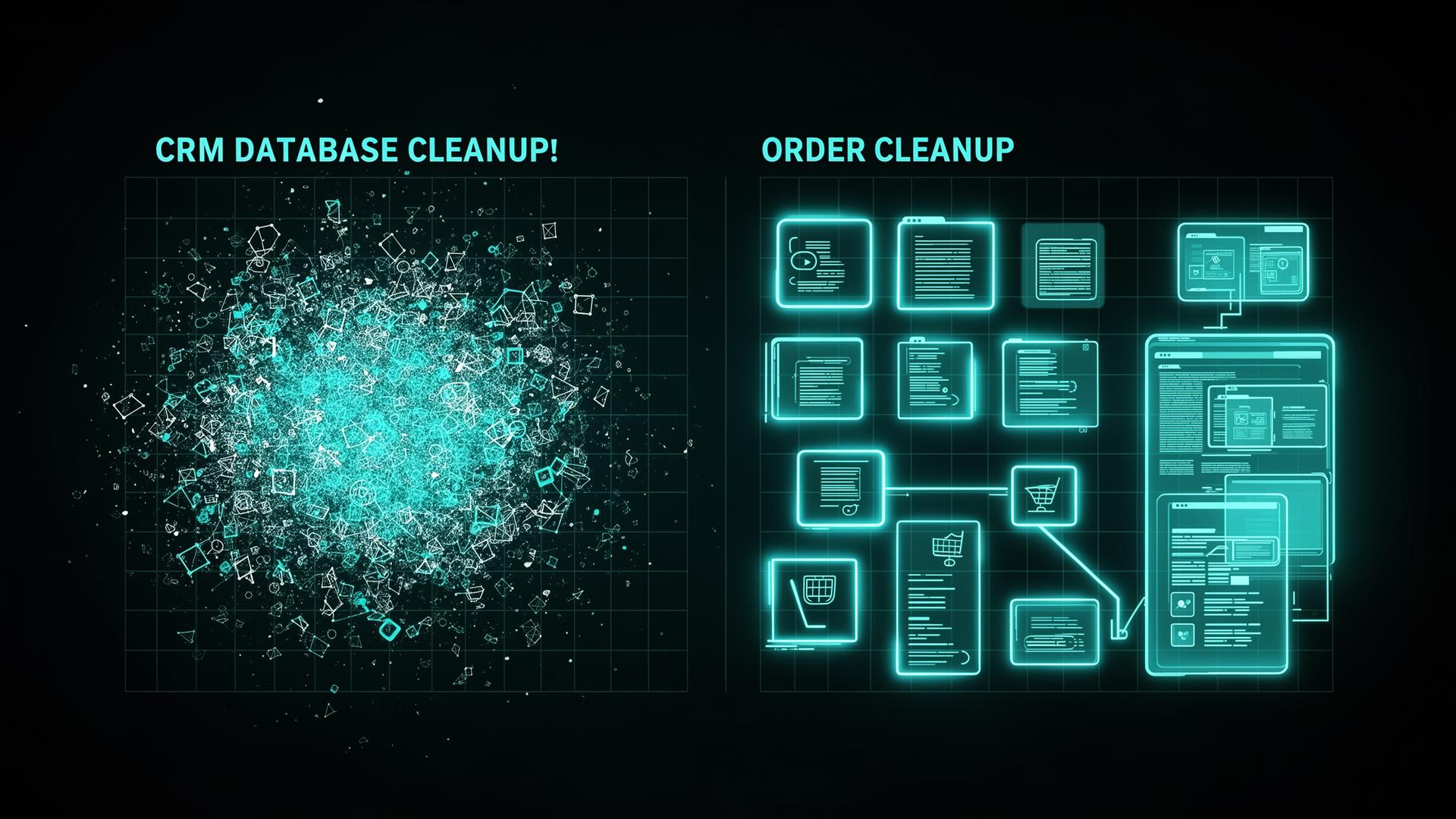
You're paying for HubSpot. You're using maybe 20% of it. The rest is a graveyard of broken workflows, duplicate contacts, and custom properties nobody remembers creating. Sound familiar?
And the worst part? Every AI agent, every automation, every report you build on top of this mess inherits the mess. Your Clay enrichment pushes clean data into a dirty CRM. Your n8n workflows route leads based on lifecycle stages that haven't been updated in months. Your pipeline dashboard shows numbers that have no connection to reality. Garbage in, garbage out.
What a Messy HubSpot Actually Costs You
It's not just the subscription. It's the hidden costs nobody calculates:
- •Your sales team cold-emails existing customers. Nobody marked them as clients in the CRM, so your SDR sends your biggest account a "Hi, I noticed your company..." email. The customer forwards it to their account manager asking "do you guys even know we're a customer?" That's not a data problem. That's a trust problem. And it happens more often than anyone admits.
- •Reps waste 30+ minutes per day navigating bad data — searching for the right contact, figuring out which deal is current, updating fields that should auto-populate. At €4,600-€6,000/month per rep in Germany or $6,750-$9,000 in the US, that's real money burned on friction.
- •If you're using any enrichment tool — Clay, Apollo, Clearbit — it's updating contacts who left the company two years ago. You're paying for enrichment on records that should have been archived.
- •Email deliverability tanks because you're sending to dead addresses. You're paying HubSpot contact fees for people who will never open another email.
- •Reports show phantom pipeline. Deals that should be closed-lost sit in stage 2 for 8 months. Your forecast is fiction.
- •New hires can't onboard. They open HubSpot and see dozens of custom properties, multiple pipelines, and active workflows nobody can explain. They spend their first week asking "what does this field do?" instead of selling.
5 Questions That Tell Me If Your CRM Is Ready for AI
Before I touch anything, I ask these. If you can't answer more than three, that's the problem.
- •What property tracks buyer stage? Lifecycle Stage? Lead Status? Some custom property someone created in 2023? If you don't know which property drives your pipeline view, your agents can't route leads correctly. Everything downstream breaks.
- •What tracks where records came from? Original Source? Latest Source? UTMs? A custom field? If you can't attribute leads to sources, you can't tell which signals or channels are working. Your AI enrichment runs blind.
- •Do you target accounts or individuals? This determines your entire outbound architecture. ABM needs company-level tracking. Individual targeting needs contact-level. Most messy CRMs mix both with no logic.
- •Who maintains HubSpot right now? If the answer is "nobody" or "kind of everyone" — that's the root cause. Not the data, not the tools. The ownership.
- •What's your biggest challenge right now? Pipeline? Conversion? Retention? This determines what to fix first and what to leave alone.
If you can't answer these five, your CRM isn't ready for AI agents, signal-based outbound, or any automation. Fix the foundation first.
The Audit
I start by mapping what's actually there. Some companies have 3x more of everything than they need — 47 custom properties, 12 pipelines, workflows nobody remembers building. Others have almost nothing — just a demo form and a few contacts, with the real workflows scattered across Zapier, spreadsheets, and someone's email inbox. Both are a mess. Just different kinds.
- •Contact audit: How many total? How many engaged in the last 90 days? How many have valid email addresses? Usually 30-50% of the database is dead weight.
- •Property audit: How many custom properties exist? Who created them? Which ones are actually populated? I typically find 20-30 custom properties that nobody uses — leftover from a previous agency or a founder experimenting.
- •Workflow audit: How many active workflows? Which ones still trigger? Which ones conflict with each other? One client had two workflows doing the opposite thing — one enrolled leads in a nurture, the other unenrolled them from the same nurture.
- •Pipeline audit: How many pipelines? Do the stages match how the team actually sells? Or are there 8 stages because someone copied a template from a blog post?
The Cleanup
This is where the bulk of the work happens. How long it takes depends entirely on how much you invest in it — some cleanups take a few focused days, some take a few weeks of part-time work.
- •Merge or archive contacts that haven't engaged in 12+ months. Don't delete — archive. You might need them later.
- •Delete workflows that aren't connected to active campaigns or revenue. If nobody can explain what a workflow does, it goes.
- •Standardize deal stages to match your real sales process. 4-6 stages max. Each stage should have clear entry criteria — not vibes.
- •Re-enrich stale contacts with Clay. Pull fresh job titles, company data, email addresses. This is a one-time setup that saves countless hours of manual research and prevents embarrassing mistakes like emailing someone who left the company a year ago.
- •Set up n8n hygiene workflows: auto-archive contacts with bounced emails, flag deals with no activity in 14+ days, deduplicate on import.
The Build
Once the foundation is clean, I build what matters:
- •The 5-number dashboard: pipeline coverage, velocity, stage conversion, ACV trend, and source-to-close time. One view, five widgets. Check it Monday morning.
- •Deal risk alerts: HubSpot workflow flags deals with no activity in 7+ days, overdue close dates, or stuck in the same stage for 2x average velocity.
- •Lead routing automation: new lead comes in → scored based on ICP fit + engagement → routed to the right rep instantly. No more leads sitting in a queue for 3 days.
- •Call notes integration (Granola, Jamie, or similar): call notes sync to HubSpot contact timeline automatically. Your reps see what was discussed, not just that a call happened.
- •Signal-ready architecture: clean lifecycle stages, proper source tracking, and company-level properties that Clay and n8n can write to. This is the foundation for everything else.
Are You Using More Than 20% of What You're Paying For?
HubSpot Professional isn't cheap — €890/month for Marketing Hub, plus Sales Hub seats on top. But you probably need it. Marketing automations, round-robin lead routing for teams larger than 2, API access for your n8n workflows, custom reporting — these are Professional features. Not everyone needs a marketing seat, but the team that runs GTM does.
The question isn't whether to pay for Pro. It's whether you're actually using the Pro features you're paying for. Most companies I audit use less than 20%.
- •They have Marketing Pro but run zero A/B tests.
- •They have custom reporting but check one default dashboard.
- •They pay for calculated properties but never set one up.
- •They have workflow automation but everything is still manual.
- •They have API access but nothing connects to their CRM programmatically.
The fix isn't downgrading. It's making Pro earn its price. If you're paying €890/month, you should be using: workflows for lead routing and lifecycle automation, custom reports for the 5 pipeline numbers, sequences for outbound, A/B testing on emails and landing pages, and API access so Clay and n8n can push and pull data. If you're not using at least these — you're renting a Ferrari and driving it to the grocery store.
What This Means For Your Business
Your CRM is the brain of your GTM. Every agent, every workflow, every dashboard reads from it. If the data is bad, everything built on top of it is bad — no matter how good the tools are.
The fix is focused work — not a 6-month consulting project. Audit, clean, build. How long depends on how deep the mess goes and how much time you invest. But once it's done, your team has a CRM they trust, dashboards they use, and a foundation that can actually support the AI agents and automations you want to run.
A clean CRM isn't a luxury. It's the difference between building on rock and building on sand.